
 Coming soon to the App Store
Understand Japanese paperwork in seconds.
KamiSnap explains tax notices, immigration letters, bills, and other Japanese documents in plain English — so you know exactly what to do.
Built for foreign residents, students, workers, and families navigating life in Japan.
Features
Designed for real Japanese paperwork
KamiSnap is not a generic OCR or translation app. It is a context-aware explanation engine built specifically for Japanese bureaucracy and daily-life documents.
Plain-English explanations
Not a literal translation. KamiSnap tells you what the document is, why you got it, and what to do next — in clear, calm English.
Urgency at a glance
Each scan is tagged with a color-coded urgency level so you can immediately tell what needs attention now and what can wait.
Key details extracted
Payment amounts, due dates, sender, appointment details — pulled out automatically and validated against the original Japanese text.
How it works
From envelope to action in three steps
- 01
Snap or upload
Point your camera at the document, or upload a photo or PDF you already have.
- 02
KamiSnap reads it
The app identifies the document type, extracts key fields, and validates them against the original text.
- 03
Understand and act
Get a clear, plain-English explanation, urgency level, and a short list of next steps.
What it handles
Built for the documents you actually get
From your local ward office to the immigration bureau, KamiSnap is designed to handle the documents that land in your mailbox.
Government & bureaucracy
- Residence tax notices
- Income tax mail
- Pension payment notices
- National Health Insurance bills
- My Number notifications
- Ward office letters
Immigration & visa
- Visa renewal notices
- Immigration appointment letters
- Residence card updates
- Certificate of Eligibility notices
- Requests for additional documents
Bills & utilities
- Electricity, gas, and water bills
- Bank notices
- Credit card statements
- Telecom and internet bills
Housing & daily life
- Apartment lease renewals
- Maintenance and building notices
- Garbage and recycling notices
- Delivery redelivery slips
Family & education
- School notices
- Daycare letters
- Payment forms
- Event and field-trip notices
Screenshots
A quick look inside the app
From snapping a notice in the mail to understanding exactly what to do next — here is the full KamiSnap flow.
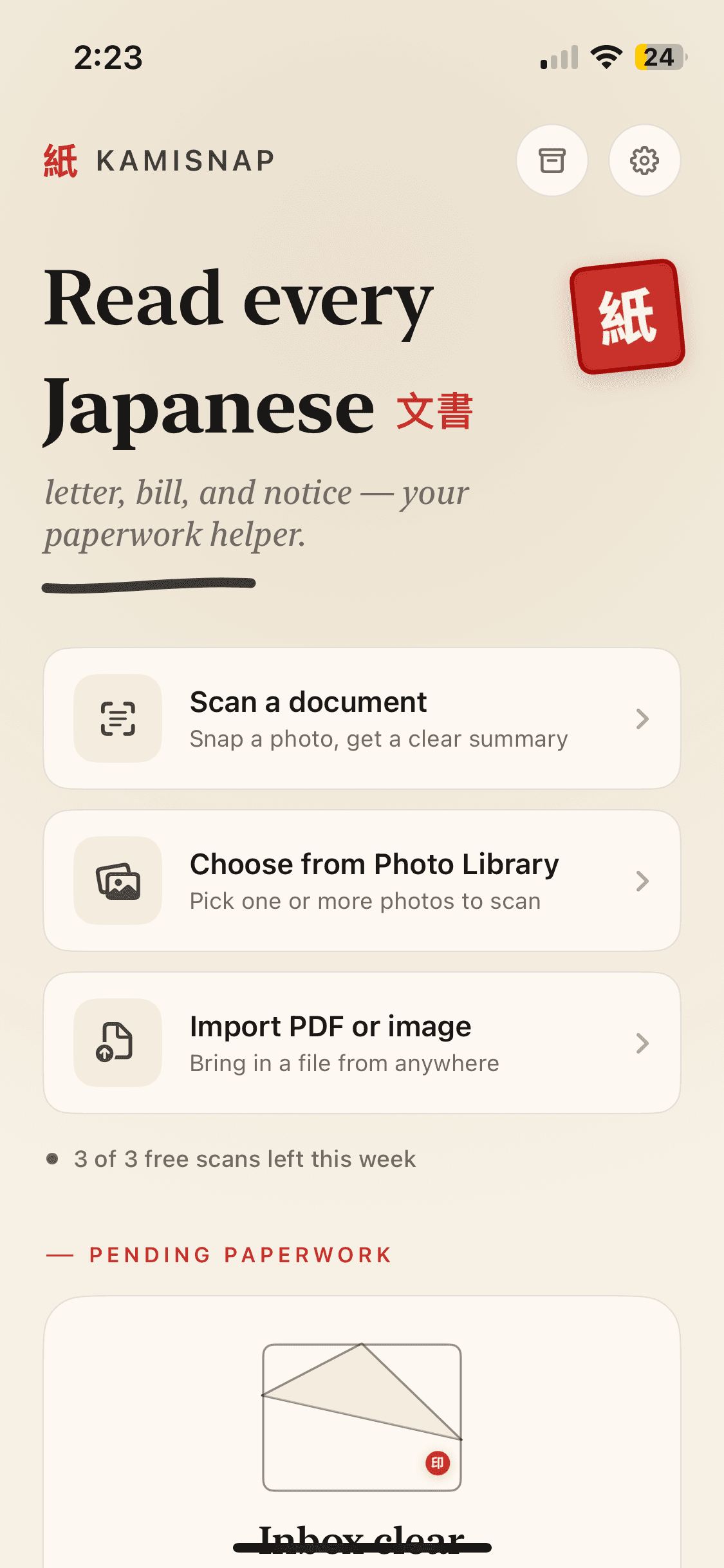
Home
Start a scan from your camera, photo library, or a PDF.
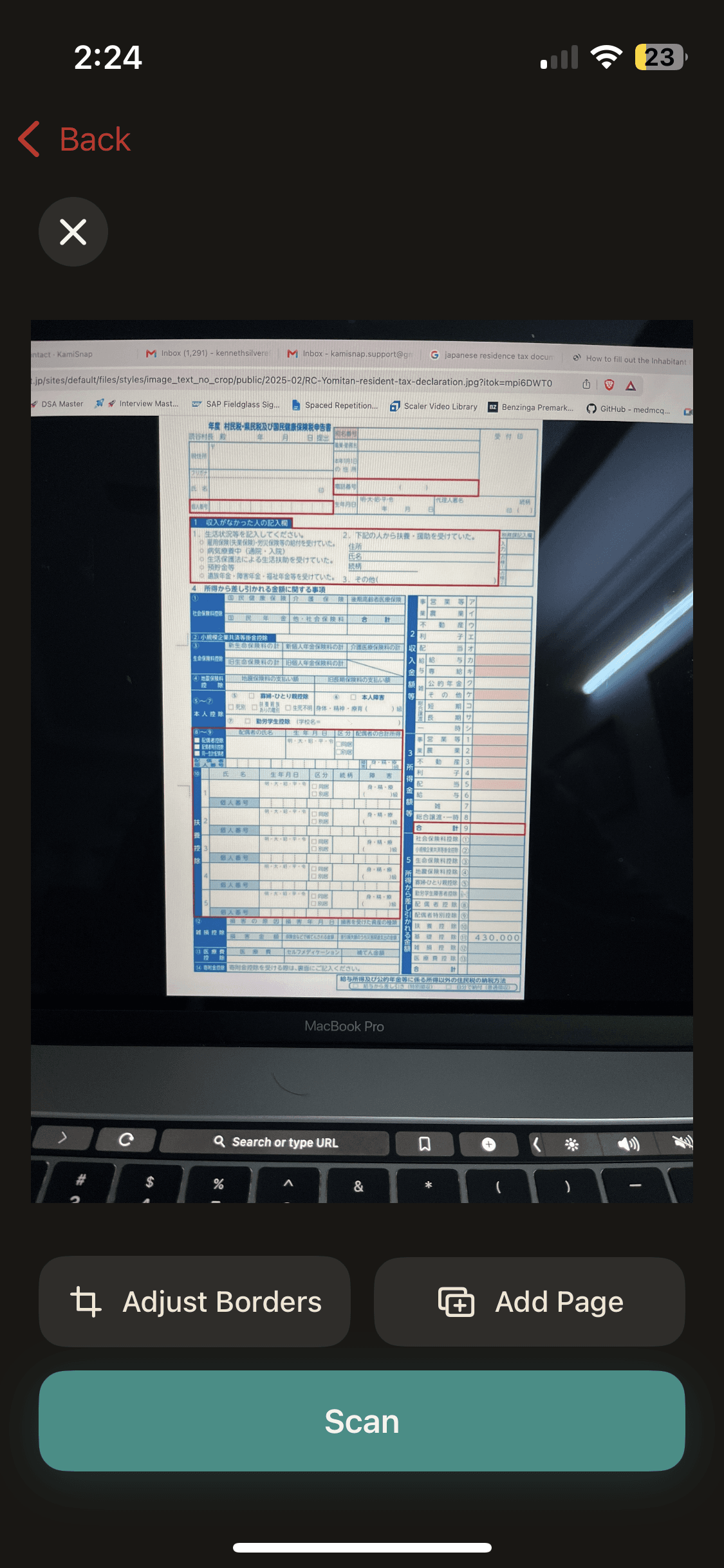
Capture
Frame the document and let KamiSnap detect the edges.
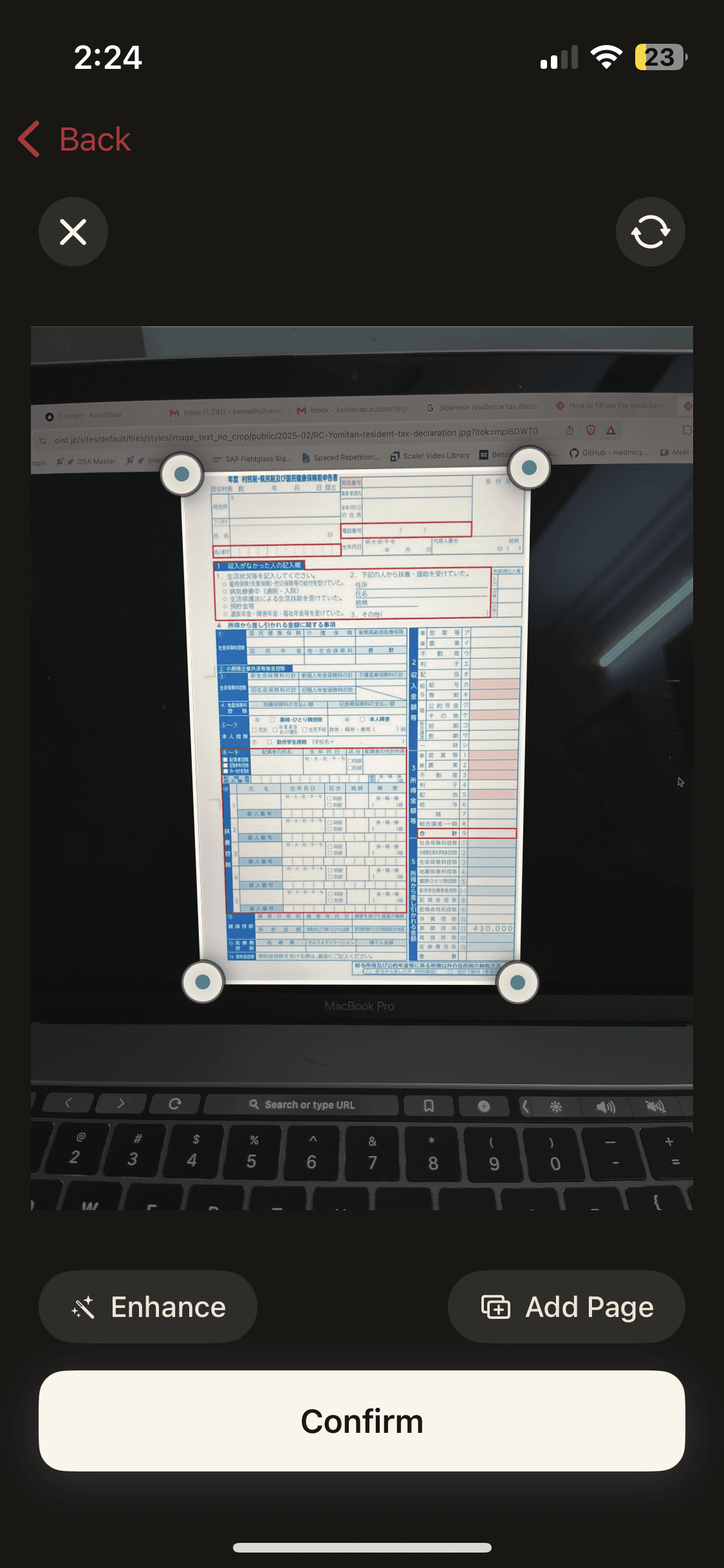
Crop & enhance
Adjust borders or add more pages before confirming.
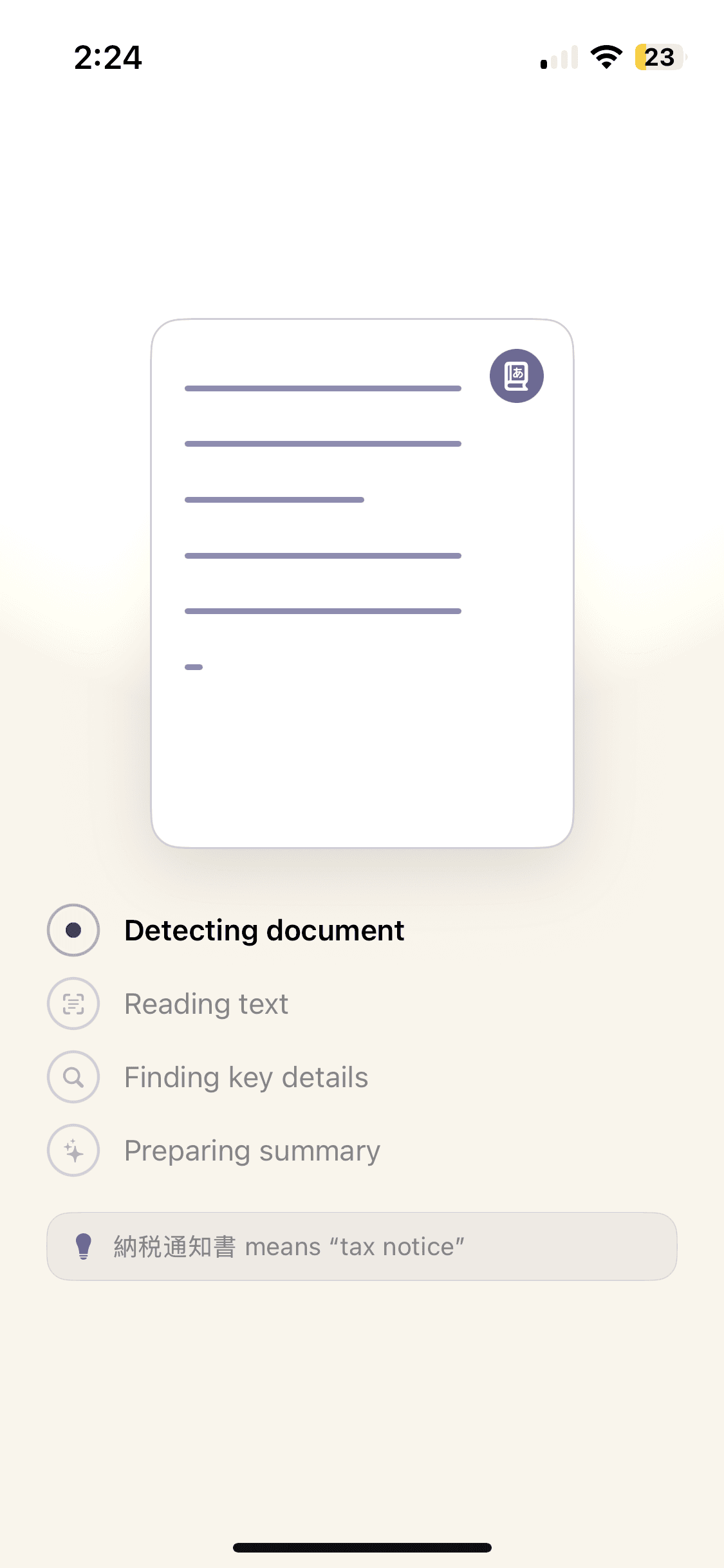
Analyzing
KamiSnap detects the document, reads the text, and pulls out key details.
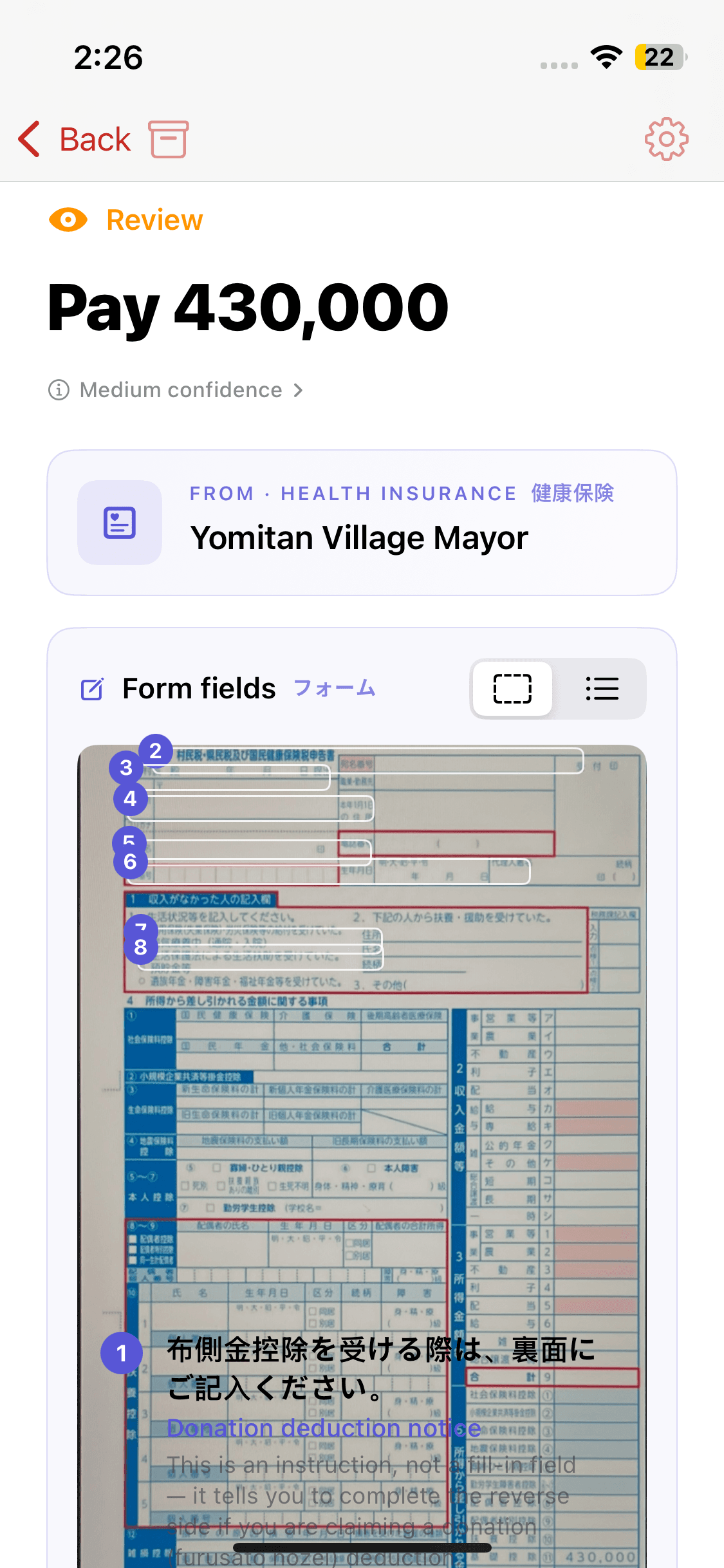
Review
See the amount, sender, and important fields highlighted on the original.
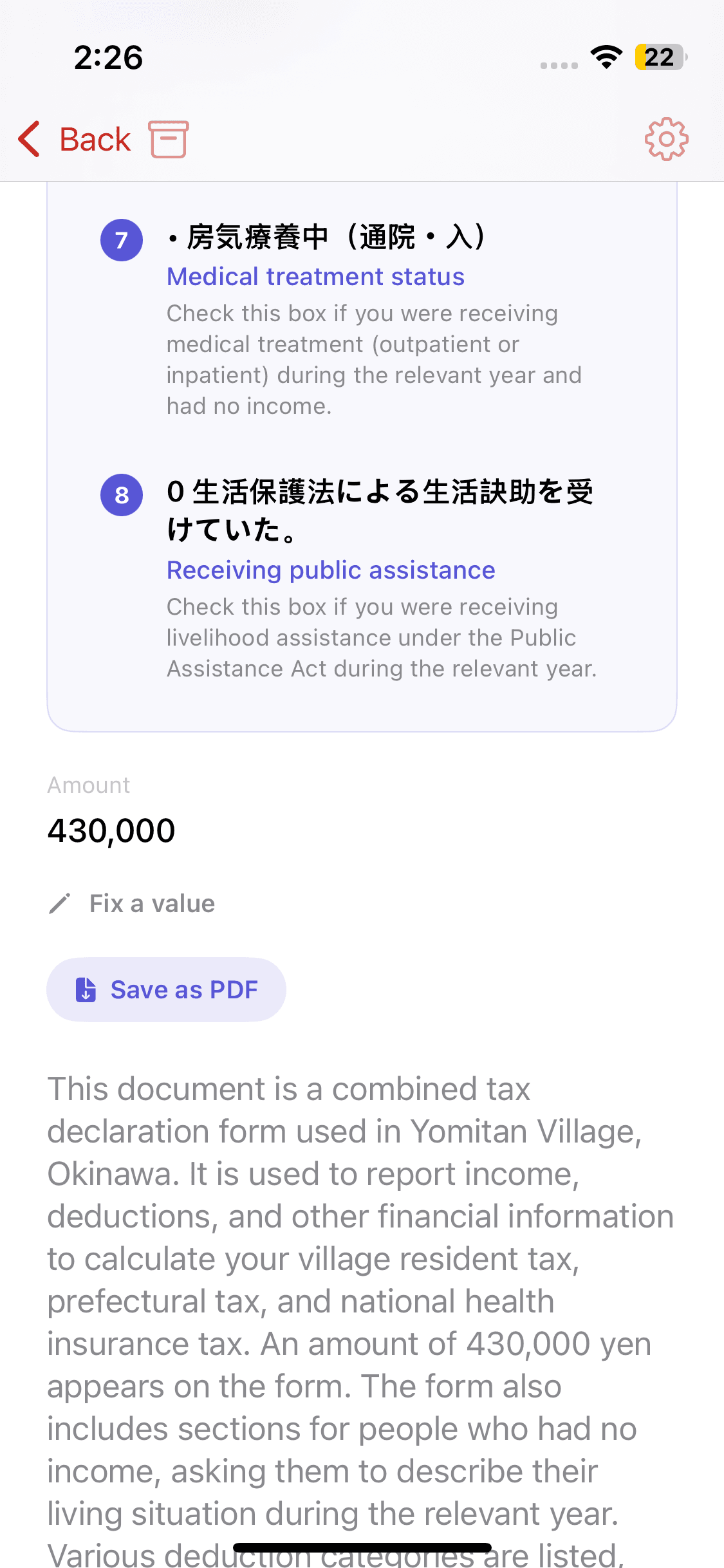
Plain-English summary
A clear explanation of what the document is and why you received it.
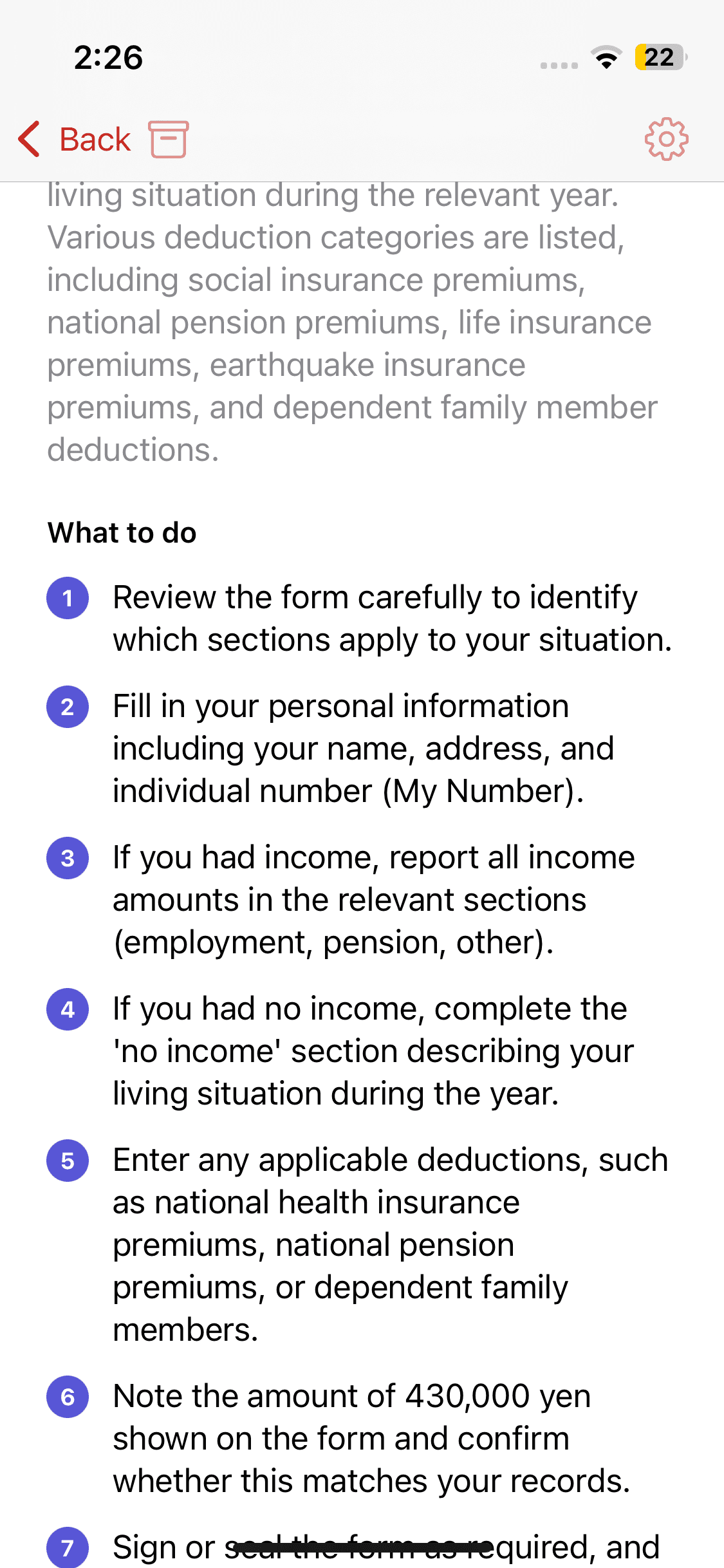
What to do
A step-by-step checklist tailored to the specific document.
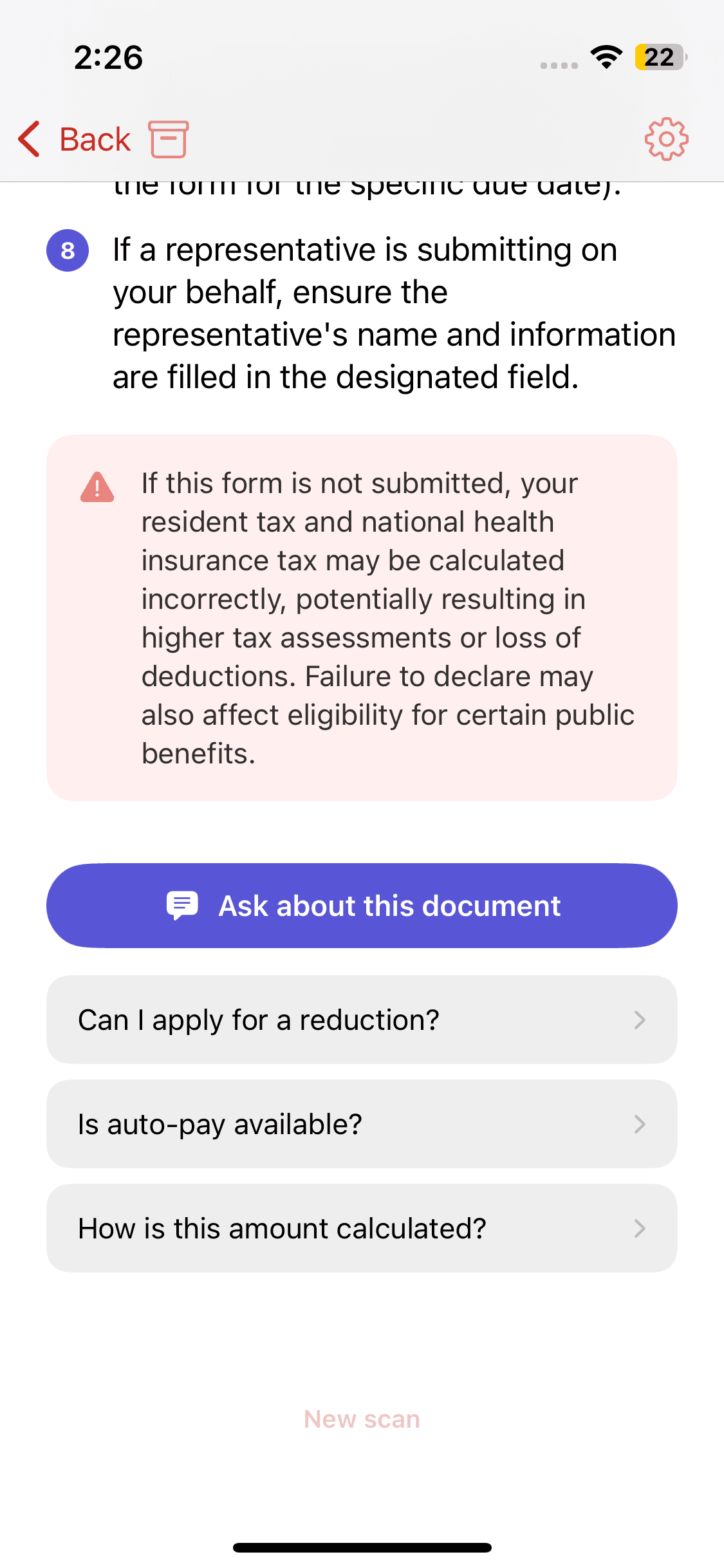
Ask follow-ups
Ask KamiSnap questions about the document and get instant answers.
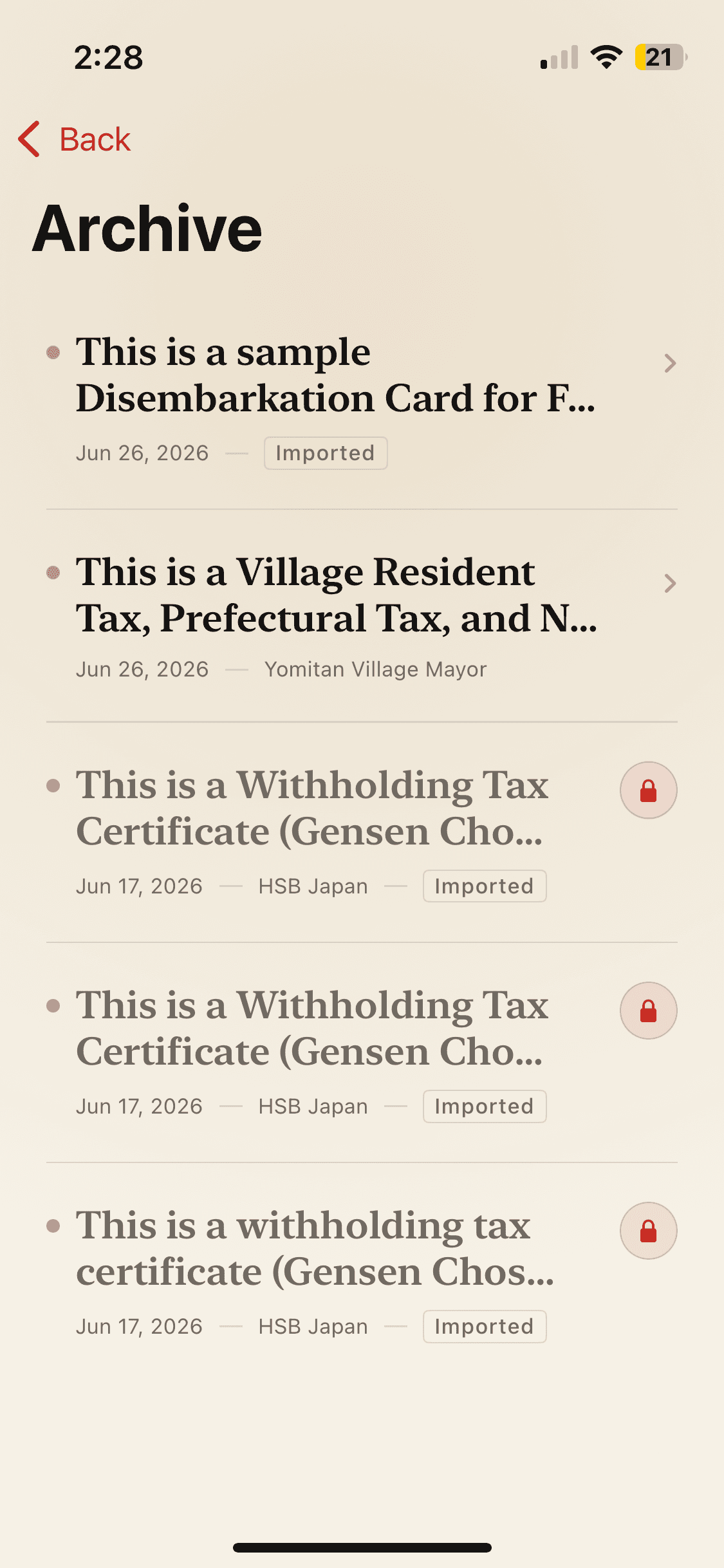
Archive
Your past scans, kept safely on your device.
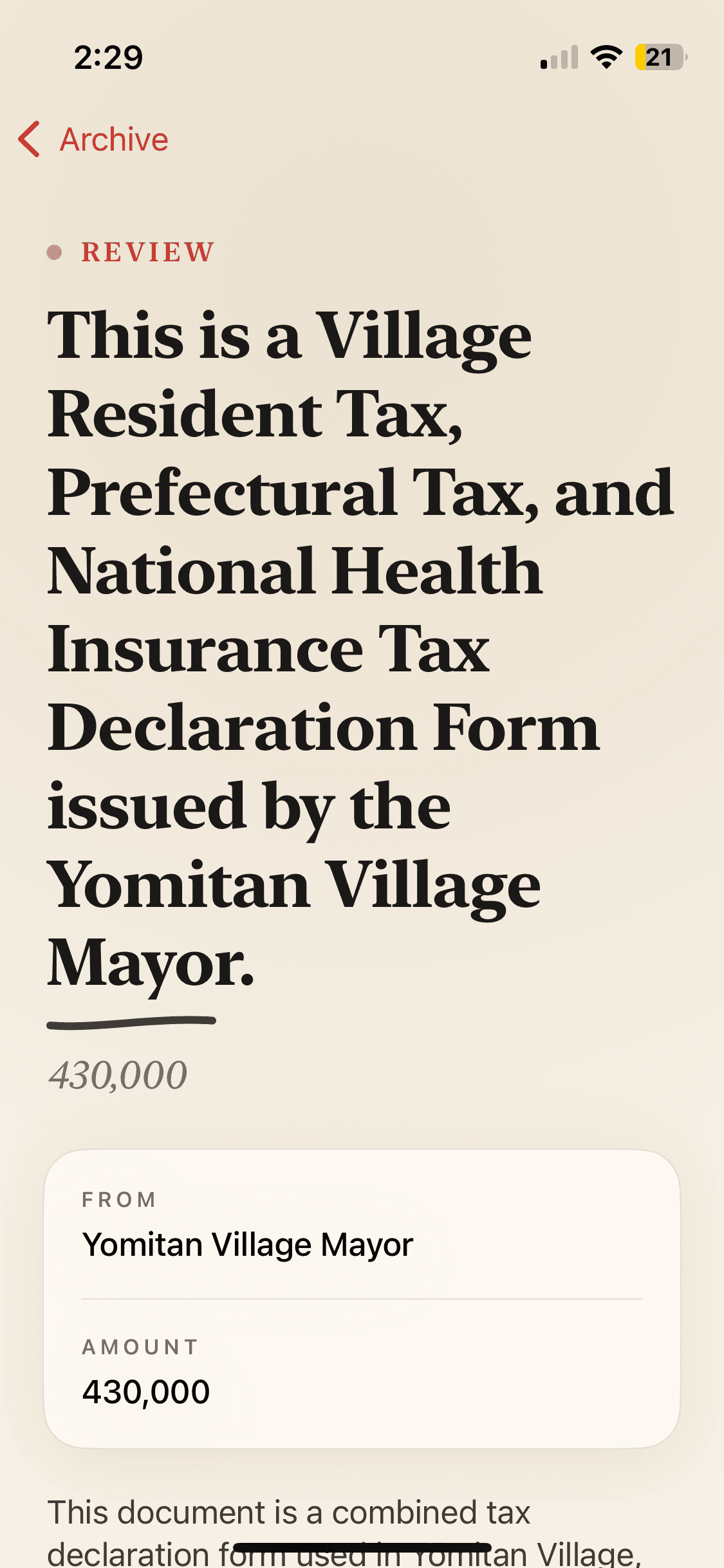
Saved details
Reopen any past document with its full explanation intact.
FAQ
Frequently asked questions
Does KamiSnap store my documents?
No. Document images are processed for analysis and then discarded. Your scan history is saved locally on your device only — it never leaves your phone.
Is my data sent to third parties?
Document images and extracted text are sent to AI providers (such as OpenAI, Anthropic, or Google) strictly to generate the explanation. They are not stored on our servers and are not used to train models.
Is KamiSnap a translation app?
Not exactly. KamiSnap is a context-aware explanation engine. Instead of translating word-for-word, it tells you what the document is, why you received it, and what action — if any — is expected from you.
What languages are supported?
KamiSnap reads Japanese documents and explains them in English. Support for additional explanation languages is on our roadmap.
Is KamiSnap free?
KamiSnap offers a free tier for casual use and a subscription for unlimited scans and full features. All billing is handled by Apple through your Apple ID.
Can I rely on KamiSnap for important paperwork like immigration or tax notices?
KamiSnap is designed to help you understand documents and is built with safeguards against hallucination, including confidence scoring. However, for legally or financially significant decisions — especially immigration, tax, or pension matters — please confirm with the relevant authority or a qualified professional.
Need help? We're listening.
Email is the fastest way to reach the KamiSnap team. We read every message and usually reply within a couple of days.